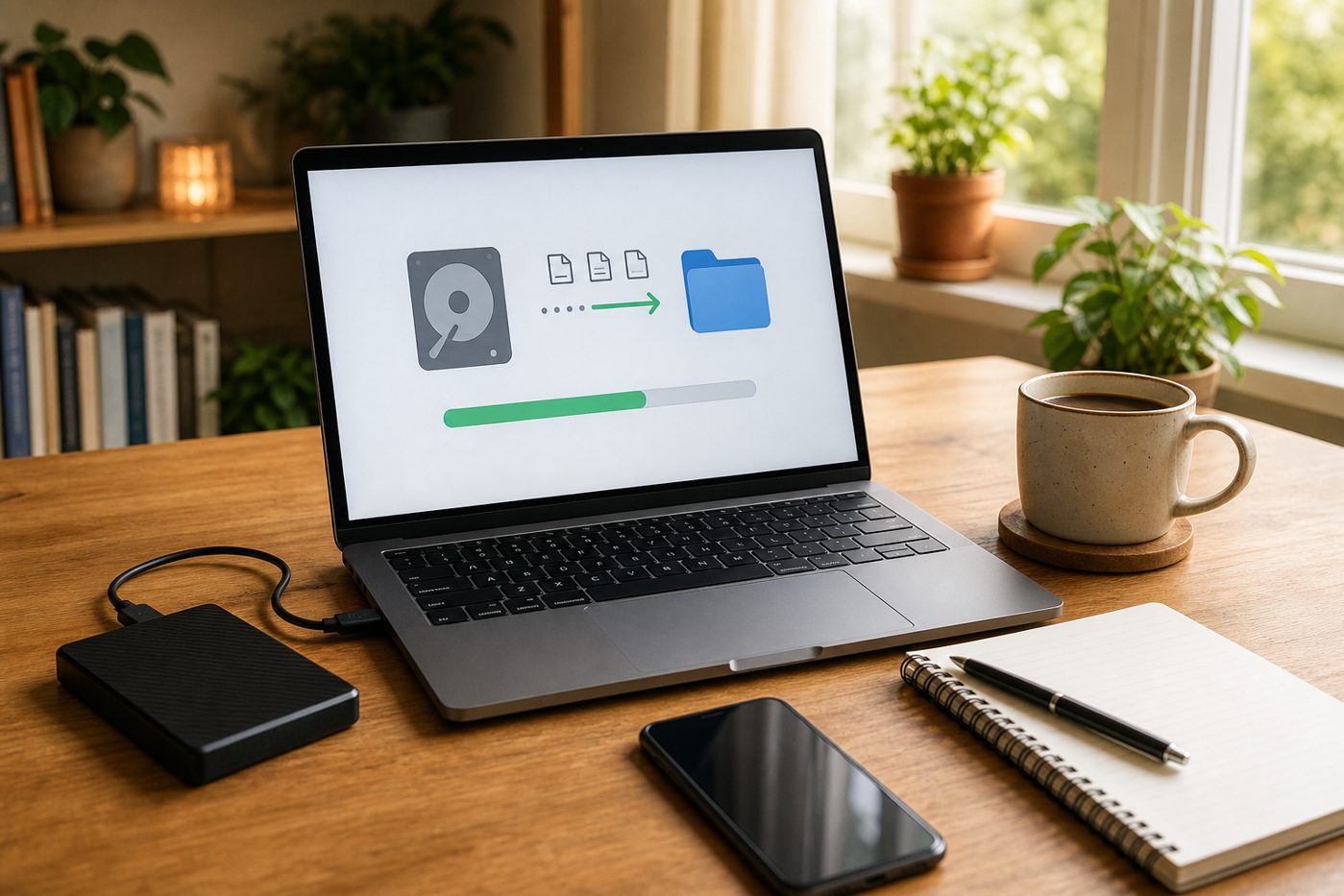

A computer failure rarely happens at a convenient time. It usually shows up when a shop is busy, a proposal is due, payroll is being checked, or someone needs yesterday’s receipt. One minute the laptop is slow. The next minute it will not start, the screen is cracked, or a staff member says an important folder has disappeared.
For many small offices, freelancers, home offices, and family-run shops, that one computer may hold more than people realize: invoices, customer records, photos, supplier forms, tax documents, quotes, passwords saved in a browser, and files synced with Microsoft 365 or another cloud service. If the device fails and the files are not protected, the real problem is not the broken computer. The problem is lost time, lost records, and stressful guesswork.
This simple backup and cloud checklist is designed for busy people who do not want to become IT experts. It explains what to protect, what can go wrong, and how QuickMSP can help keep everyday business files safer with backup software, managed backup, cloud services, Microsoft 365 support, and practical recovery help.
The everyday problem: one device becomes the filing cabinet
Small businesses often grow in a very practical way. A laptop is bought for receipts. Then it is used for quotes. Then it stores client documents, scanned IDs, photos, supplier spreadsheets, and website notes. Later, staff begin sharing folders, using Microsoft 365 email, saving files to OneDrive, or moving documents between a desktop and a phone.
That setup can work well, but only if the important files are easy to find, protected from accidental deletion, and backed up somewhere safe. Without a plan, a normal workday can turn into a long recovery job. A coffee spill, power issue, ransomware message, failed hard drive, or mistaken drag-and-drop can interrupt sales, appointments, or customer service.
What can go wrong if you wait
Ignoring backups does not usually feel risky until something fails. The warning signs can be small: a slow startup, strange clicking sound, full storage, missing folders, or staff saving files in different places. By the time the device stops working, the choices may be limited.
- Invoices and receipts may be incomplete. Recreating financial records from emails, paper notes, and bank statements takes time.
- Customer files may be scattered. If documents live on one desktop, a staff laptop, and a cloud folder with no structure, recovery becomes confusing.
- Deleted files may sync everywhere. If a shared folder syncs a mistake, the same deletion can appear on every connected device.
- Email access can become a bottleneck. If Microsoft 365 accounts are unmanaged, it may be harder to reset access quickly when a device is lost or replaced.
- Website and domain notes may be missing. Login details, renewal reminders, SSL certificate records, and hosting information are often saved on the same device that failed.
The practical solution: protect files before the device fails
A good backup plan does not need to be complicated. It should answer five simple questions: What files matter? Where are they stored? How often are they copied? Who checks that backups are working? How would you restore them if something goes wrong?
For many busy owners, the easiest route is a managed backup service. QuickMSP can help set up backup software, connect cloud storage where appropriate, monitor backup activity, and assist with file recovery when a laptop, desktop, or office computer fails. That means you are not left trying to understand backup logs during a stressful day.

Simple backup and cloud checklist
Use this checklist before replacing a computer, adding a staff device, moving files to the cloud, or waiting for an older machine to fail.
Backup software vs managed backup: which is easier?
Backup software can be a good choice if you are comfortable choosing what to protect, checking alerts, and testing restores. It gives you tools to copy files or systems on a schedule. But software still needs setup and attention.
Managed backup is often easier for a shop, home office, freelancer, or small team because someone helps set it up and keeps an eye on it. QuickMSP can help decide what needs backup, configure the software, support cloud storage choices, and assist when you need a file recovered. The goal is simple: less guessing and fewer surprises.
Ask for these basics
- A list of protected devices and folders.
- A clear backup schedule.
- Alerts when backups fail or stop running.
- Recovery copies that are separate from everyday synced folders.
- A simple restore test for a real document, photo, spreadsheet, or invoice.
Do not forget cloud email, websites, domains, and SSL
When a computer fails, files are only part of the story. Many owners also need fast access to Microsoft 365 email, shared calendars, website admin notes, domain renewal details, and SSL certificate information. If those details are saved only on the failed laptop, getting back to work becomes harder.
QuickMSP can help organize everyday cloud services so email accounts, shared folders, domain names, website hosting, and SSL certificates are easier to manage. That does not mean adding complex systems. It means making sure the basic accounts and renewals that keep work moving are not dependent on one device or one person’s memory.
Clear next steps before trouble starts
- Write down the computers, phones, and tablets used for work.
- List the folders and cloud accounts that hold important business or household records.
- Check whether backups are running and when the last successful backup completed.
- Recover one test file to confirm the backup works.
- Review Microsoft 365 accounts, shared folders, website hosting, domain renewals, and SSL certificate reminders.
- Ask for help if you are not sure what is protected.
If your needs grow, QuickMSP can also provide practical technology support as an optional deeper support layer for ongoing technology management. For most busy owners, though, the first step is simpler: protect the files, cloud accounts, and devices you already depend on every day.
Need help checking your backup and cloud setup?
QuickMSP helps busy shops, home offices, freelancers, professionals, and small offices set up backup software, managed backup, file recovery, Microsoft 365, cloud services, domains, hosting, and SSL basics in a practical way. If you are not sure whether your current computer or cloud folders are protected, contact QuickMSP. We can help you review the setup, close the gaps, and make recovery less stressful before something fails.