
Backup software editions for desktops, servers, SQL, file shares, and Hyper‑V hosts.
This page is for the software itself — not just a managed service. Choose the edition that matches what you need to protect, then QuickMSP can help with licensing, setup, storage targets, and recovery planning.
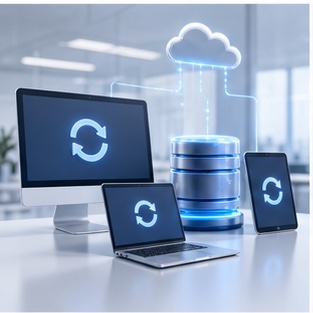
Pick the backup software version for the workload.
Different systems need different backup capabilities. These cards make the editions easier to scan: desktop protection for daily PCs, stronger recovery tools for servers, database-aware protection for SQL, shared-folder backup for file servers, and VM protection for Hyper‑V hosts.
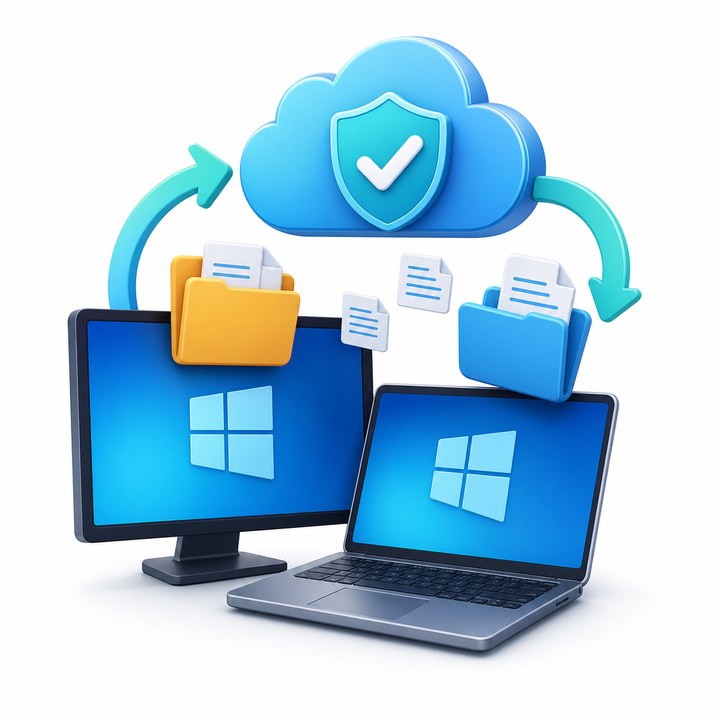
For PCs and workstations
Protect everyday Windows computers with file, folder, and image backup for user documents, photos, and business files.
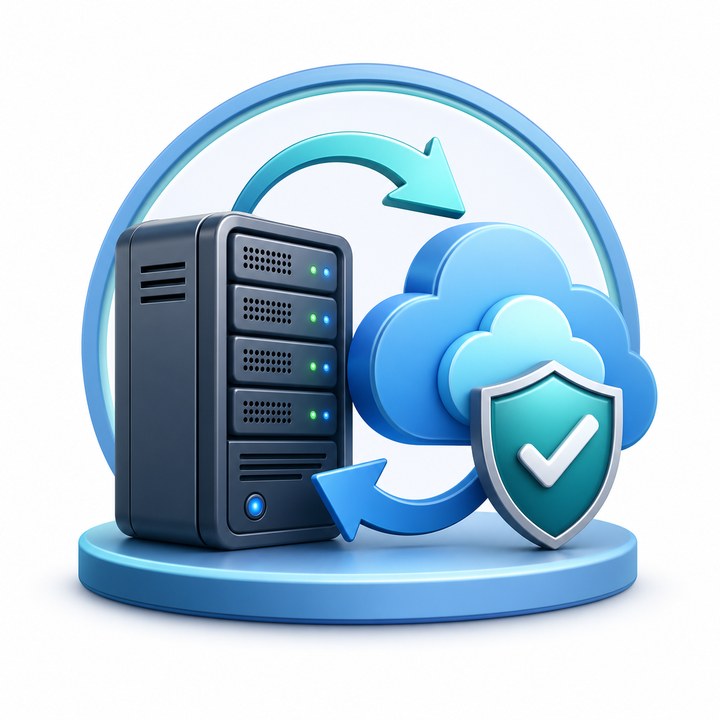
For server operating systems
Protect Windows Server workloads with file backup, image-based backup, system state, bare metal restore, and local or cloud storage targets.
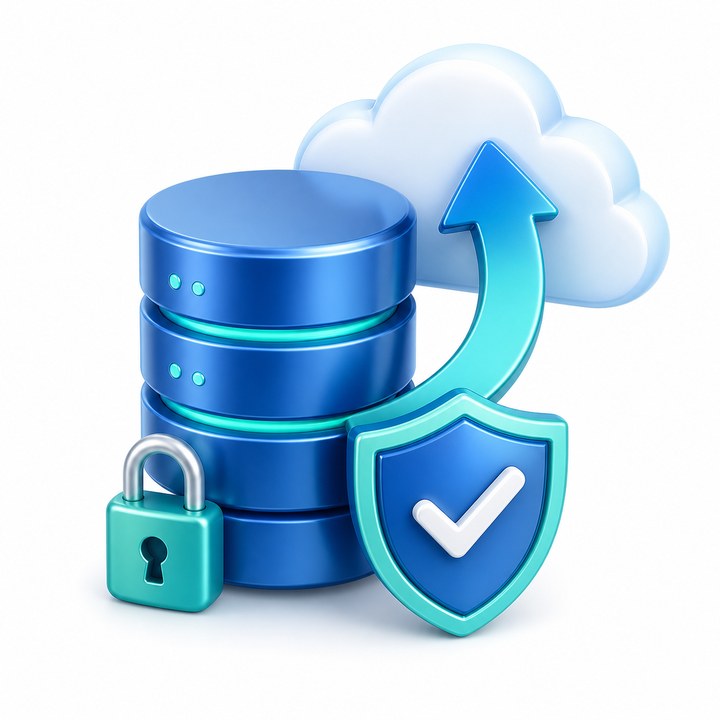
For database-aware backup
Use SQL-aware backup when the server hosts Microsoft SQL Server and you need consistent database protection and cleaner restore points.

For shared folders
Back up network shares and file-server data with encryption, compression, and storage options for local devices or cloud storage.
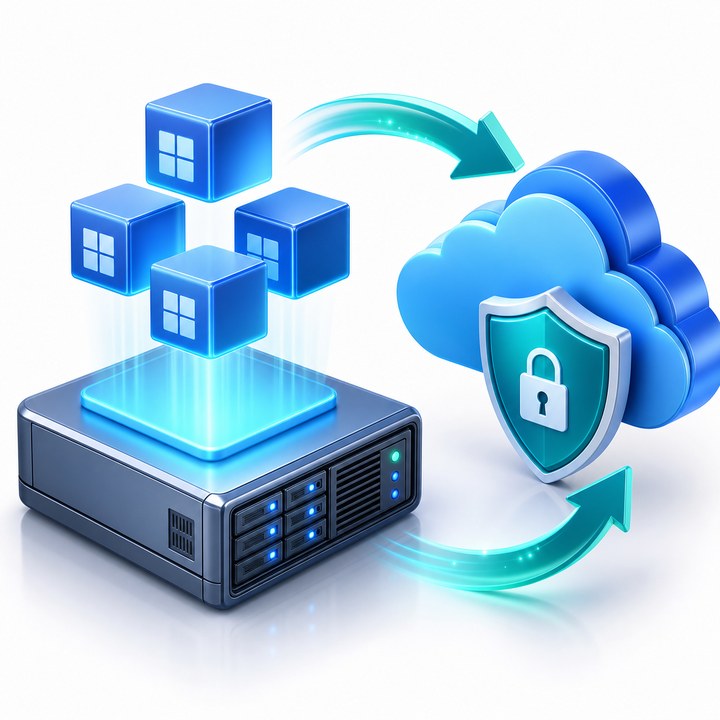
For virtual machines
Protect Hyper‑V host environments with image-based VM backup and restore options for virtualized workloads.
Organized around what you need to protect and how you need to recover.
Backup software features are easier to understand when they are grouped by outcome: safe storage, full-system recovery, application-aware protection, and storage flexibility.
Cleaner feature layout
Instead of one long checklist, the core features are now grouped into practical recovery categories so visitors can quickly see which capabilities matter for their workload.
Encryption and compression
Protect backup data before it leaves the computer or server, then reduce backup size so storage is used more efficiently.
- Encryption before storage
- Compressed backup sets
- Cloud or local targets
File and folder backup
Back up selected folders, user files, and shared data for the most common restore requests.
- Desktop documents
- Shared folders
- Network share backup
Image backup and bare metal restore
Capture the full system image for stronger recovery options when a PC or server needs to be restored after serious failure.
- Image-based backup
- System state backup
- Bare metal restore
SQL and server workload protection
Use database-aware backup for Microsoft SQL Server and workload-aware protection where standard file copy is not enough.
- Microsoft SQL Server backup
- Server workload support
- Consistent restore points
Object Lock and cloud recovery choices
Help protect backups against deletion or ransomware-style tampering when supported by the storage target, and use cloud recovery options for supported image-based backups.
- Object Lock support when available
- Restore to cloud VM options
- AWS, Wasabi, Backblaze B2, Azure, Google Cloud, and local storage targets
Software edition comparison by use case.
Use this as a practical guide for selecting a software license. Exact availability depends on the edition and platform, so QuickMSP can help match the right version before setup.
| Need to protect | Recommended software version | Typical capabilities | Storage options |
|---|---|---|---|
| Windows desktops and laptops | Windows Desktop | ✓ File backup, image-based backup, encryption, compression | Local storage or cloud storage such as AWS, Wasabi, Backblaze B2, Microsoft Azure, or Google Cloud Storage |
| Windows Server workloads | Windows Server | ✓ File backup, image-based backup, system state, bare metal restore, encryption, compression | Local storage, network storage, or cloud storage targets |
| Microsoft SQL Server | SQL Server edition | ✓ Database-aware Microsoft SQL Server backup plus standard backup features | Cloud or local storage, depending on retention and recovery needs |
| Shared folders and file servers | Server or Ultimate edition | ✓ Network share backup, encryption, compression, object lock support where available | Local storage plus supported cloud storage targets |
| Hyper‑V hosts and virtual machines | VM Backup for Hyper‑V | ✓ Image-based VM backup, encryption and compression, restore to cloud VM where supported | Cloud storage or local storage with unlimited targets in VM editions |
Cloud and local storage
The reference comparison lists cloud targets such as AWS, Wasabi, Backblaze B2, Microsoft Azure, and Google Cloud Storage, plus local storage. QuickMSP can help choose the storage path that fits recovery time and retention needs.
Encryption before storage
Encryption and compression are core software features. Encryption helps keep backup data protected, while compression helps reduce storage use.
Plan restores before you need them
For servers and virtual machines, consider image-based backup, system state, bare metal restore, and restore-to-cloud options so recovery is practical during downtime.
QuickMSP can help match the backup software to the system.
Tell us whether you need to protect a desktop, Windows Server, SQL Server, file server, or Hyper‑V host. We’ll help identify the right software edition and backup target.
What to prepare
- Number of computers, servers, or hosts
- Whether you need SQL, file server, or Hyper‑V protection
- Preferred storage target: local, cloud, or both
- Retention, encryption, and recovery requirements