
We help keep your files backed up, checked, and easier to recover.
For home offices, small shops, clinics, studios, and local teams that just need backup to work. QuickMSP helps set it up, watches for failed backups, and helps you recover files when something goes wrong.

Outsource the daily backup checking to QuickMSP.
For many customers, the hard part is not buying backup software. The hard part is making sure it keeps working after the first setup. Managed backup gives customers a practical support layer: someone helps check the backup health, follows up on problems, and helps when a restore is needed.
What customers hand off to us
- Checking whether backups are running
- Watching for failed jobs and missed schedules
- Noticing full storage or disconnected computers
- Helping choose what files and folders matter most
- Guiding restore steps when something goes wrong
Without management
- Someone has to remember to check backup status.
- Failures can sit unnoticed until recovery is needed.
- Restores can feel stressful when no one knows the software.
With QuickMSP
- We help monitor the backup health signals.
- We help follow up when something stops working.
- We help guide recovery when files need to come back.
Health checks
We help watch for failed jobs, missed runs, and devices that stop checking in.
Problem follow-up
We help troubleshoot common causes such as storage limits, offline computers, credential changes, or backup software issues.
Real-file focus
The plan stays tied to what customers actually care about: invoices, records, photos, desktop folders, shop computers, and selected server folders.
Restore guidance
When something is deleted, damaged, or lost, we help find the right backup copy and guide the restore steps.
More ways managed backup helps normal people and small teams.
These are practical situations where someone wants backup checked by a real support team instead of hoping the software is working.

Consultants and remote workers
Protect laptop files, client documents, estimates, spreadsheets, and project folders.

Shop computers and counters
Help protect the computer used for reports, records, customer files, and daily work.
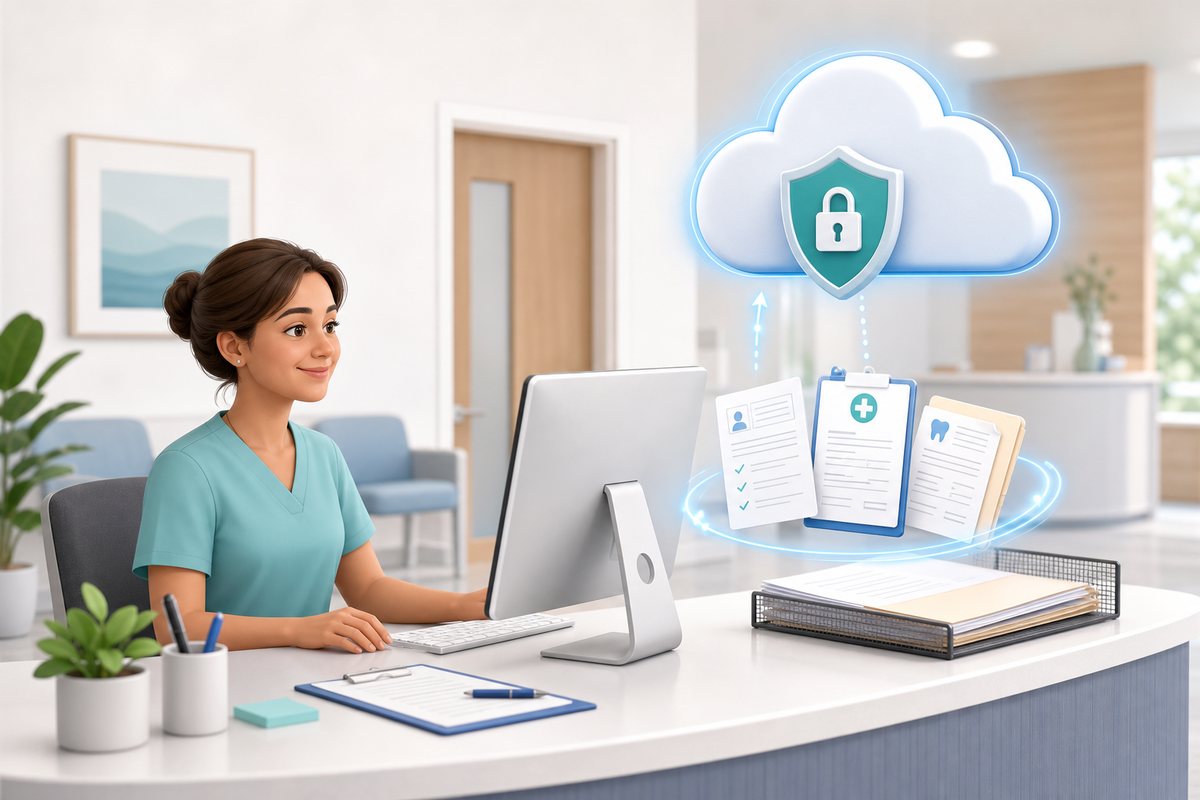
Clinics, offices, and reception desks
Back up forms, scans, office documents, and important folders on shared machines.

Studios, photographers, and makers
Protect customer photos, designs, media folders, and project files from accidental loss.

Shared files without in-house IT
Keep common work folders and office PCs backed up without assigning someone to check logs.

Photos, documents, and family records
Protect irreplaceable files on everyday computers with backup support that is easier to understand.
Simple backup protection for the files people actually use.
You do not need enterprise language to understand backup. You need to know what is protected, where it goes, and who can help when something breaks.
Documents and spreadsheets
Invoices, forms, reports, estimates, and shared work files.

Photos and media files
Customer photos, product photos, project files, and office media.
Desktop and laptop data
Important user folders on everyday computers.

Small business systems
Office PCs, shop computers, and selected server folders.
Local and cloud backup options
Use local storage, cloud storage, or both when that makes sense.
Encrypted backup data
Protect backup copies so they are safer when stored or sent offsite.
Managed backup support without the jargon.
Backup setup
We help decide what should be backed up, where it should go, and how often it should run.
Backup monitoring
We help watch for failed jobs, missed schedules, and common issues that can silently stop protection.
Restore help
If you need to recover a file or folder, we can help you find and restore the right copy.
Storage guidance
We help choose local, cloud, or mixed backup storage based on your budget and recovery needs.
Encryption guidance
We help make sure backup data is protected with the right security settings where supported.
Plain-English reporting
Know whether backup is healthy without reading technical backup logs yourself.
Tell us what you need protected. We’ll help make backup simple.
Start with the basics: what computers you use, what files you cannot afford to lose, and whether you want cloud backup, local backup, or both.
Good fit for
- Home offices and consultants
- Retail owners, small shops, and local businesses
- Small teams without in-house IT
- Anyone who wants backups checked by someone else